
Video has grown since I shared 10 tips for for capturing professional smartphone video in 2019. Instagram and TikTok have increased the popularity in watching and creating video. These apps allow you to edit, add transitions and music making video more accessible than ever before.
Anyone can create video – all you need is a smartphone
Here are some tops tips so you can create great smartphone video:
1. Shoot in the correct orientation
In 2019, 75% of people preferred to watch video horizontally on their smartphone (source Wyzowl). As TikTok and Instagram Reels support a vertical orientation I would argue this preference has changed since 2019.
Before you press record, think about how and where you’re going to share your video and position the camera to the most suitable orientation.
Shoot horizontally if your video will be mainly watched on a computer which is to be embedded into a website or presentation.
If you’re planning to share on social platforms such as TikTok, Facebook or Instagram, I recommend shooting virtually.


It’s very off putting if there’s ‘black bars’ above or on the side of your video. It’s vital that your video is optimised to the platform or the device you expect your audience will be watching.
TOP TIP!
If you have a horizontal video and you plan to share it on social media, add an overlay sticker telling your audience to turn their phone.
2. Use your feet, not the zoom
Smartphone cameras now have a larger range of zoom and certain models have different lenses built in.
Whilst these allow more flexibility, it’s still advisable to try and avoid using the zoom on your smartphone. Phones use digital zoom and not optical zoom resulting the image pixelating. Experiment with your device and find out when the image starts to pixel, you will then know the limitations when zooming.
TOP TIP!
If you want to zoom in, either walk closer to your subject or start from a closer position. Hold your phone in both hands and practise moving the camera smoothly.
3. Reduce the shake
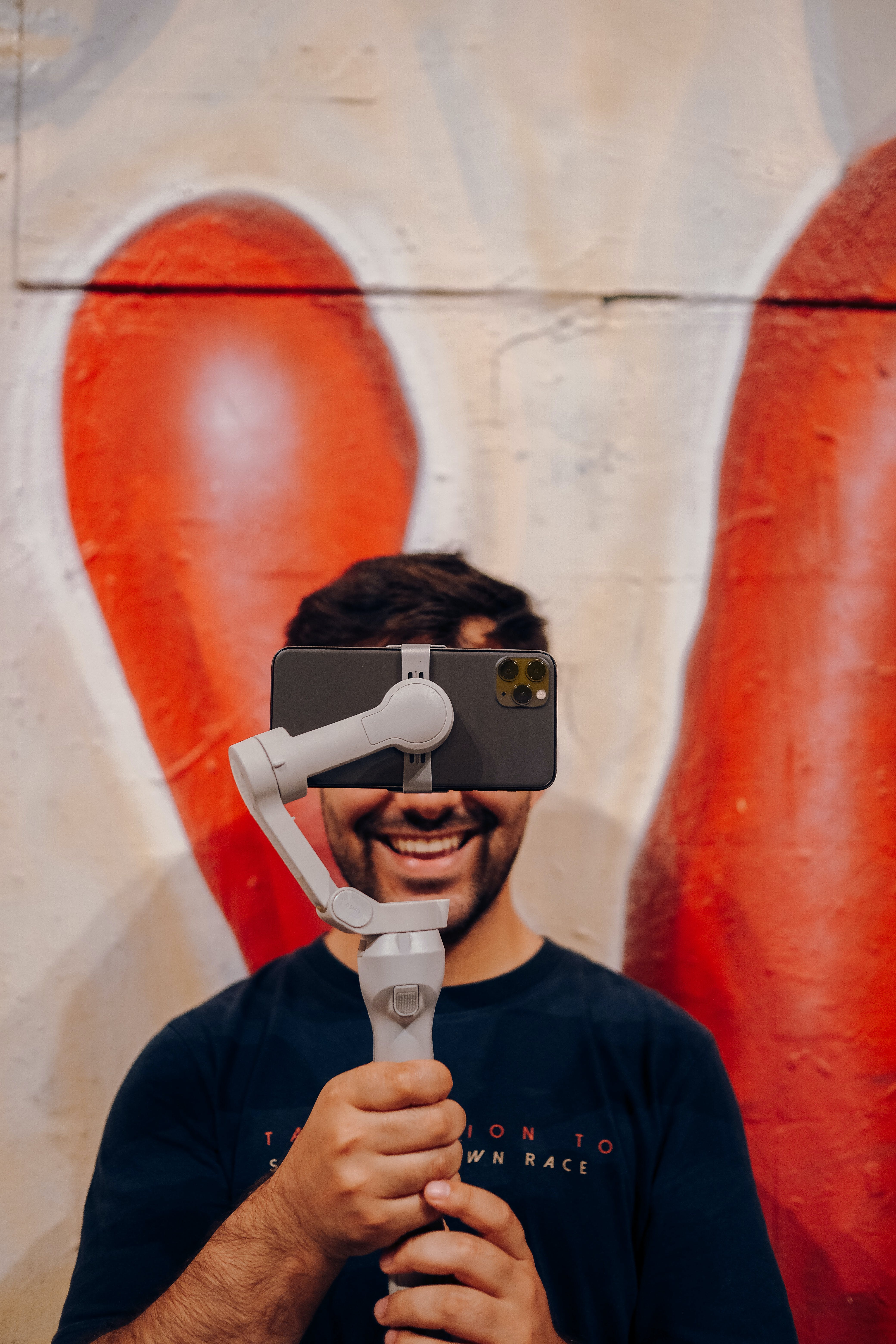
Use a tripod to de-shake footage where possible.
Gimbals use sensors and electric motors giving you smooth results with less shake and vibration. These are now more affordable and have become a worthwhile investment if you capture footage on the go.
If buying equipment isn’t an option hold the camera close to your body using two hands to keep yourself steady.
It’s worth remembering
Good content trumps good production so if the audience is engaged with your content they will accept a little shake in your video.


4. Stay on the grid
The grid adds lines to your camera preview screen and it can be turned on in the camera settings of most smartphones.
The lines on the 3×3 grid can be used to frame your footage to get the best composition possible. You can also use them to follow the rule of thirds so your object of focus can be positioned in the place where our eyes automatically look for information.
The composition of your shots will have an impact of how your video looks and feels so it’s worth experimenting with where you place your subject to ensure it is the main focus and visually appealing.
5. Prepare your device
I’ve saved the best till last… Look after your phone!
Your camera app will use more power so, where possible, start with a fully charged phone. You could invest in a power bank so you have additional battery life on the go, should you need it.
Another tip is to use Airplane Mode, this will prevent any notifications distracting you and preserve the battery a little longer.
Make sure you have enough storage space on your device before you capture any footage and remember the highest resolution video will take up more memory. I recommend frequently reviewing your storage, removing old video clips or backing up your footage.
TOP TIP!
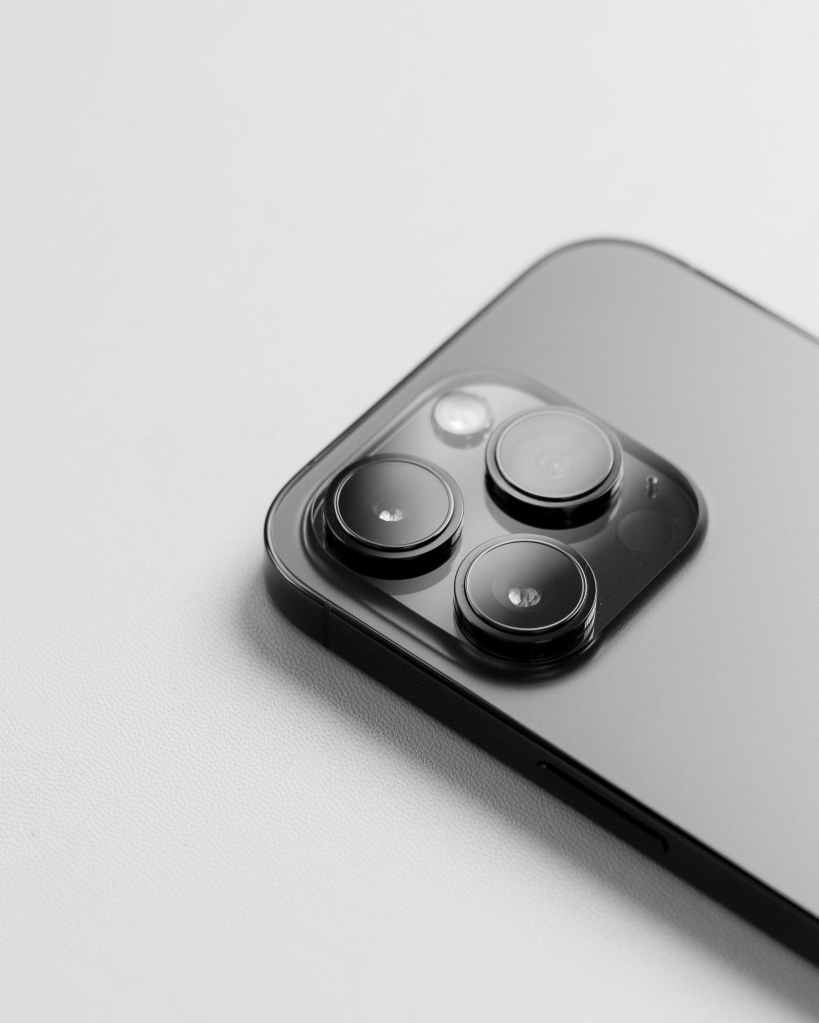
Clean the camera lens.
Our phones are used all day, it is easy for the camera to pick up dirt on the lens will reduce the quality of your images.
 Focus 'n Develop